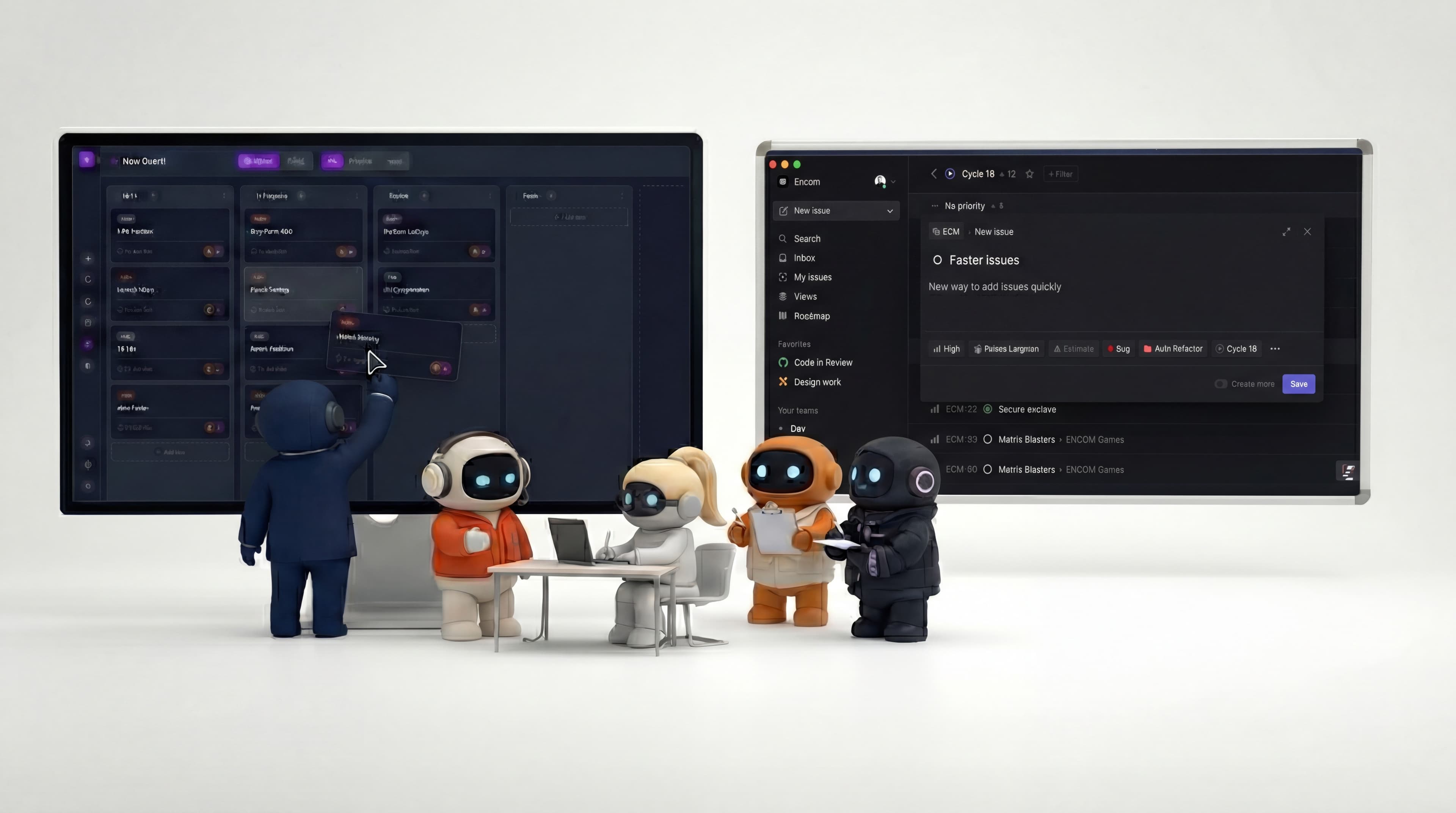

The best Linear alternatives are Jira if you need agile depth, Shortcut if you want Linear's speed with a different model, Plane if you want open source you can self-host, and GitHub Projects if your work already lives in GitHub. Asana and ClickUp suit cross-functional teams that have outgrown an engineering-first tool. If the real problem is not the tracker but that nobody has time to do the tracked work, that is a different category, covered at the end.
Key takeaway: Most teams leaving Linear want one of three things: more process (Jira), more openness (Plane, YouTrack), or a tool the rest of the company will actually use (Asana, ClickUp). Pick the one that matches the reason you are leaving, not the longest feature list.
One note before the list: Height, once a popular Linear alternative, shut down on September 24, 2025. If you are migrating off Height, the options below are the ones worth evaluating.
Linear alternatives at a glance
| Tool | Best for | Free plan | Paid from (per user/mo, annual) | Self-host |
|---|---|---|---|---|
| Jira | Agile teams that need process depth | Up to 10 users | $7.91 | No (Data Center closed to new buyers, Mar 2026) |
| Shortcut | Teams that want Linear's speed | Up to 10 users | $8.50 | No |
| Plane | Open source, self-hosted | Up to 12 users | $6 | Yes |
| YouTrack | EU vendor, self-hosting, low cost | Up to 10 users | $4.50 | Yes |
| GitHub Projects | Work that already lives in GitHub | Included with GitHub | Included | With GitHub Enterprise Server |
| Asana | Cross-functional teams | Up to 2 users | $10.99 | No |
| ClickUp | Tasks, docs and AI in one tool | Yes | $7 | No |
| Agently | Doing the work, not tracking it | Yes | $39/mo per workspace (3 members) | No |
For reference, Linear itself is free for 2 teams and 250 issues, then $10 per user per month (Basic) or $16 (Business), billed annually. Prices as of September 2026. Confirm on each vendor's site before you buy.
The 8 best Linear alternatives
1. Jira, for agile teams that need depth
Jira is the default answer to "what is the best Linear alternative for agile development?", and for good reason. Scrum and Kanban boards, sprints, backlogs, custom workflows, advanced roadmaps and a huge app marketplace all come standard.
Pick it if you run formal sprints, need custom fields and workflows per team, or report up to people who already live in Atlassian.
The catch: Jira is everything Linear was built to escape. It is slower, heavier, and needs someone to own the configuration. Free for up to 10 users, then about $7.91 per user per month on Standard.
2. Shortcut, the closest to Linear in feel
If you like how Linear works but want different trade-offs, Shortcut is the nearest neighbor. It is fast, engineering-focused, and built around stories, epics and iterations, with docs and objectives alongside.
Pick it if you want Linear's speed and focus with more flexible workflows and built-in docs.
The catch: a smaller ecosystem than Jira and a less opinionated model than Linear. Free for up to 10 users, then $8.50 per user per month. Startups with fewer than 50 employees can get 12 months free.
3. Plane, the open-source Linear alternative
Plane is the answer to "is there an open-source Linear alternative?" It covers issues, cycles, modules and pages, and you can run the open-source edition on your own servers.
Pick it if you need the code and the data under your control, or you simply want a Linear-style tool without per-seat pricing.
The catch: self-hosting means someone owns upgrades and backups. The hosted version is free for up to 12 users, then $6 per user per month billed annually.
4. YouTrack, the low-cost and European option
YouTrack is made by JetBrains, headquartered in Prague, and comes as a cloud product or a self-hosted server. It combines issue tracking, agile boards, a knowledge base and a helpdesk.
Pick it if you want a European vendor, need to keep data on your own infrastructure, or want the lowest per-seat price on this list.
The catch: the interface is denser than Linear's and takes longer to learn. Free for up to 10 users, then $4.50 per user per month billed annually.
5. GitHub Projects, if your code already lives in GitHub
GitHub Projects turns issues and pull requests into tables, boards and roadmaps, right next to the code. For many engineering teams it is the Linear alternative they already pay for.
Pick it if your team lives in GitHub and wants one less tool.
The catch: it is thinner than Linear on planning, triage and cross-team views, and non-engineers rarely feel at home in it. It is included with GitHub, including the free plan.
6. Asana, for cross-functional teams
Asana is more flexible and less opinionated than Linear. Marketing, operations and product can all work in it without bending an engineering model to fit.
Pick it if the reason you are leaving Linear is that the rest of the company never adopted it.
The catch: it is not built for engineering workflows, so developers often keep a second tool. Free for up to 2 users, then $10.99 per user per month on Starter.
7. ClickUp, tasks, docs and AI in one tool
ClickUp tries to replace your tracker, docs and wiki at once, with an AI layer on top. It is the most configurable option on this list.
Pick it if you want tasks and documentation in the same place, with AI across both.
The catch: the configurability is also the complaint. Teams coming from Linear often find it busy. A free plan exists, paid plans start at $7 per user per month annually, and the AI tier is billed separately.
8. Agently, when the bottleneck is doing the work
Every tool above does the same job as Linear: it organizes work for people to do. Agently is for a different problem. Agently (agently.dev) is a workspace where Jarvis, an AI chief of staff, does the work your tasks describe: researching a prospect, drafting and sending the follow-up in Gmail or Outlook, booking the meeting, posting to LinkedIn or X, and filing the result back in one task queue that you and your team review.
Pick it if your tasks are well organized but nobody has time to execute them, especially across sales, marketing, support and operations.
The catch: Agently is not a deeper issue tracker. Engineering teams that love cycles and triage should keep Linear or one of the tools above for product work. Agently has a free tier, then plans from $39/month for the workspace.
What Linear still does best
Before switching, be clear about what you would give up. Linear is genuinely fast, keyboard-driven, and opinionated in a way that removes configuration work: issues, projects, cycles and initiatives follow one clear model. Triage is a first-class concept, GitHub and GitLab connect code to issues, and its AI features (triage intelligence, agents, an MCP server for tools like Cursor and Claude) make tracking smarter.
If your frustration is sluggish tools or endless configuration, you probably should not leave Linear. If it is missing process, openness, adoption outside engineering, or execution capacity, one of the alternatives above fits better.
How to choose
Running formal Scrum or Kanban with custom workflows? Jira. It is the most complete agile toolkit, at the cost of speed.
Want something that feels like Linear? Shortcut first, Plane second.
Need open source or self-hosting? Plane. YouTrack if you also want the lowest price.
Need your data kept in Europe? Self-host Plane or YouTrack, so you choose where the data lives.
Code already lives in GitHub and you want fewer tools? GitHub Projects.
Want AI-powered documentation and tasks in one place? ClickUp, or Notion if your wiki already lives there.
The rest of the company never adopted Linear? Asana.
Well-organized tasks, not enough hands? That is not a tracker problem. Agently does the work the tasks describe.
Can Agently and Linear work together?
Yes, and for many teams that is the practical answer. Keep Linear for the engineering roadmap, where its cycles, triage and GitHub integration are hard to beat. Use Agently for the business work that never fits on a sprint board: outreach, follow-ups, content, research and customer communication.