
The MCP ecosystem has grown from a handful of reference implementations to hundreds of servers covering databases, business tools, communication platforms, development environments, and more. Finding the right ones for your use case means sorting through a lot of options.
This guide evaluates the most useful MCP servers across categories, based on capability, reliability, and practical value for teams building AI agents.
How We Evaluated
We looked at each server across five criteria:
-
Capability depth , Does it just read data, or can it take action?
-
Authentication handling , How does it manage credentials securely?
-
Reliability , Is it maintained, documented, and production-ready?
-
Setup complexity , How fast can you go from zero to working?
-
Practical value , Does it solve a real workflow problem?
Best for Company Knowledge: Agently Brain (Live)
What it covers: Your company's knowledge, a temporal knowledge graph built from uploaded docs and 25+ connected sources (Slack, Gmail, HubSpot, Linear, GitHub, Notion, and more), exposed to any MCP client at https://api.agently.dev/mcp.
Why it stands out: Agently's MCP server is a hosted company brain, not a tool wrapper. Six tools let agents search ranked facts (hybrid semantic + keyword), resolve entities, walk the graph one hop at a time, and store durable facts back with remember. Facts carry temporal validity, so an agent can tell current truth from superseded history, something a plain vector index can't do. It's listed on the official MCP registry as dev.agently/brain, and auth is either a workspace API key or OAuth 2.1 (Claude Desktop, claude.ai, and ChatGPT connect with a consent screen, no key handling).
The shared memory is the differentiator. Context you build in Agently follows you into Claude Code, Cursor, and ChatGPT, and a fact one agent stores is available to every other agent and teammate immediately. Other servers connect agents to tools; Agently connects them to what your company knows.
Best for: Teams that use several AI tools and want them all answering from the same current, curated company context instead of per-tool memory.
Trade-off: It's the knowledge layer, not a tool executor, your agent still uses other servers (or Agently's own workspace) to send the email or update the CRM. And the brain is only as good as what you've connected to it.
Best for Email: Gmail MCP Server (Google)
What it covers: Read, compose, send, draft, and manage Gmail messages.
Why it stands out: Official Google implementation with proper OAuth handling and Gmail API coverage. Reliable, well-documented, and maintained by Google.
Best for: Teams that only need Gmail access and want to stay close to the official API.
Trade-off: Gmail only, no Outlook support. You handle OAuth setup yourself. No business context or knowledge base integration.
Best for Databases: PostgreSQL MCP Server
What it covers: Query execution, schema inspection, and data retrieval from PostgreSQL databases.
Why it stands out: Lets your agent query your database directly. Useful for data analysis, reporting, and building agents that answer questions from your business data. Read-only mode available for safety.
Best for: Teams building data analysis agents or internal tools that need database access.
Trade-off: Direct database access requires careful permission management. Read-only mode is recommended unless you have strong safeguards.
Best for File Systems: Filesystem MCP Server
What it covers: Read, write, and manage files on your local filesystem or specified directories.
Why it stands out: The foundational server for agents that need to work with local files, reading documents, writing outputs, managing project files. Works with Claude Desktop and Cursor out of the box.
Best for: Developers using AI agents for local development workflows, document processing, or file management tasks.
Trade-off: Local only. Not suitable for cloud-based or multi-user workflows.
Best for Code: GitHub MCP Server
What it covers: Repository management, pull requests, issues, code search, file operations, and branch management.
Why it stands out: Turns your AI agent into a GitHub-aware coding assistant. Search code, create PRs, manage issues, and review changes through natural conversation.
Best for: Development teams building AI-assisted coding workflows. Pairs well with Cursor.
Trade-off: GitHub-specific. GitLab and Bitbucket have separate servers.
Best for Communication: Slack MCP Server
What it covers: Read and send messages, manage channels, search conversation history.
Why it stands out: Lets agents participate in Slack conversations, reading context from channels and posting updates. Useful for agents that coordinate with human teams through Slack.
Best for: Teams that use Slack as their primary communication tool and want agents integrated into those conversations.
Trade-off: Slack only. No Microsoft Teams equivalent of the same quality yet.
Best for Web Research: Brave Search MCP Server
What it covers: Web search with structured results, local search, and content retrieval.
Why it stands out: Gives agents web search capability without building search API integrations. Returns structured results that agents can process and synthesize.
Best for: Research agents, competitive analysis workflows, and any agent that needs access to current web information.
Trade-off: Search quality depends on Brave's index. For comprehensive research, combining with URL fetching capabilities improves results.
Best for Knowledge: Qdrant / Pinecone MCP Servers
What they cover: Vector database search and retrieval. Semantic search across your stored embeddings.
Why they stand out: If you've built a vector knowledge base with embeddings of your company docs, these servers let your agents search it semantically. "Find me information about our pricing strategy" retrieves relevant documents even if they don't contain those exact words.
Best for: Teams with existing vector databases who want agent access to their knowledge base.
Trade-off: Requires an existing vector database setup. Not a turnkey knowledge base, you need to build the embedding pipeline.
Best for Automation: Zapier MCP Server
What it covers: Trigger Zapier actions through AI agents. Access Zapier's 5,000+ app integrations.
Why it stands out: If there's no MCP server for a specific tool, Zapier likely has a connector. This is the escape hatch for niche integrations.
Best for: Teams that need to connect agents to tools that don't have dedicated MCP servers yet.
Trade-off: Adds Zapier as a dependency (and cost). Actions go through Zapier's infrastructure, adding latency. Less reliable than direct API integrations.
How to Choose
If you need your company's knowledge everywhere
Start with the tool servers your workflows actually touch, and add a knowledge server (like Agently Brain) so every agent shares the same company context across all of them. One connection, one auth setup, shared context everywhere.
If you need one specific tool
Use the standalone server for that tool. Lighter setup, focused capability, no unnecessary dependencies.
If you need database or file access
Use the specialized servers for those resources. These are well-maintained and straightforward.
If you need a tool that doesn't have a server
Check if Zapier's MCP server covers it. If not, consider building a custom server using the MCP SDK, it's more approachable than building a full API integration.
What to Watch For
Maintenance status. MCP servers need updates as APIs change. Check the last commit date and issue activity before depending on a server in production.
Authentication security. Understand how each server handles credentials. Managed servers (like Agently) handle OAuth for you. Self-hosted servers require you to manage credentials securely.
Action vs. read-only. Some servers only read data (safe but limited). Others can take actions (powerful but risky). Understand what each server can do and configure permissions accordingly.
Rate limiting. Agents can be aggressive tool callers. Ensure the MCP server handles rate limiting gracefully, both from the underlying API and from concurrent agent requests.
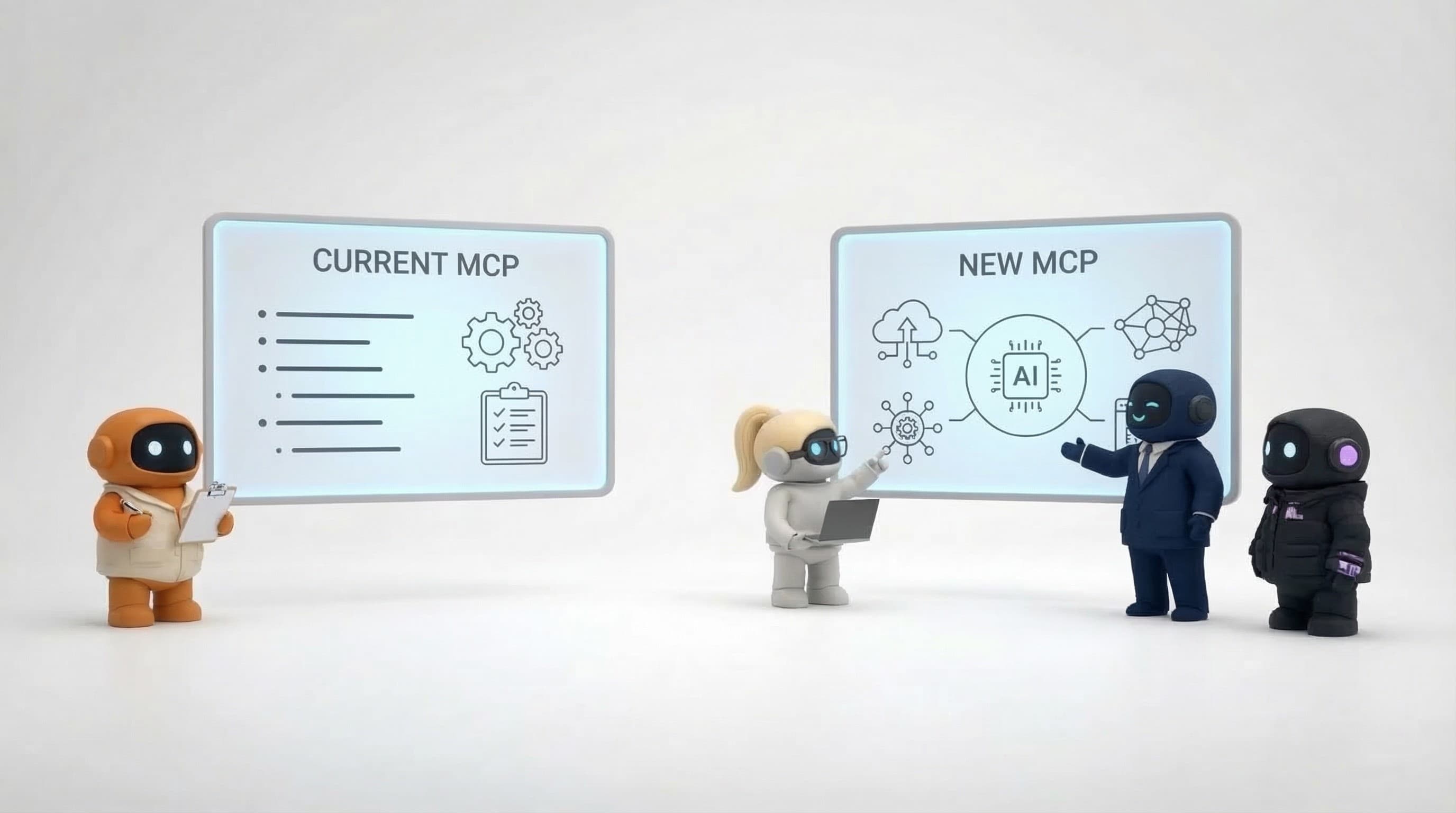
The MCP ecosystem is maturing fast. The servers listed here represent the most reliable and practical options available today, but new servers are shipping weekly. The best approach: start with the servers that cover your core workflows, add specialized ones as needs arise, and keep an eye on the ecosystem as it evolves.