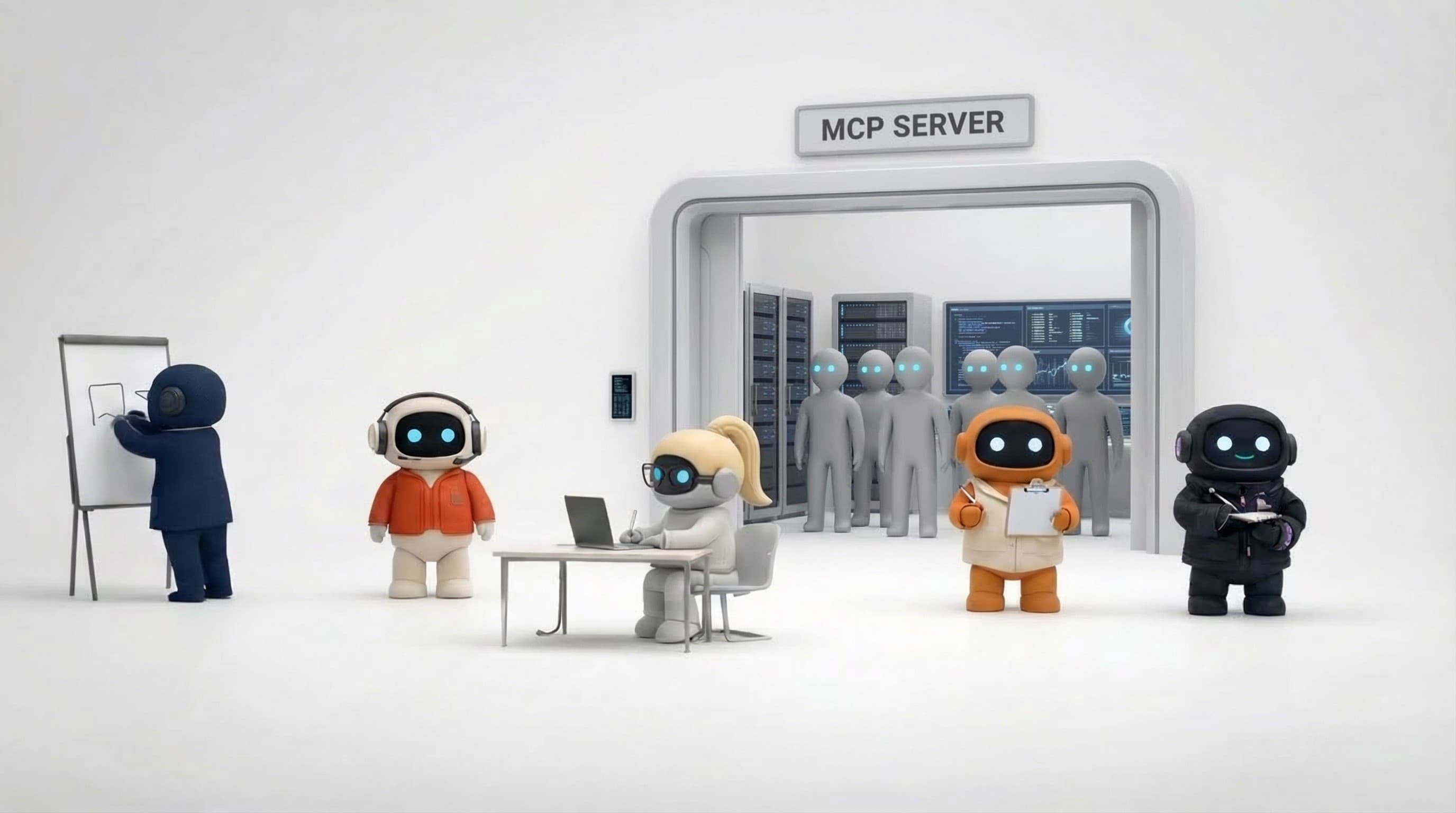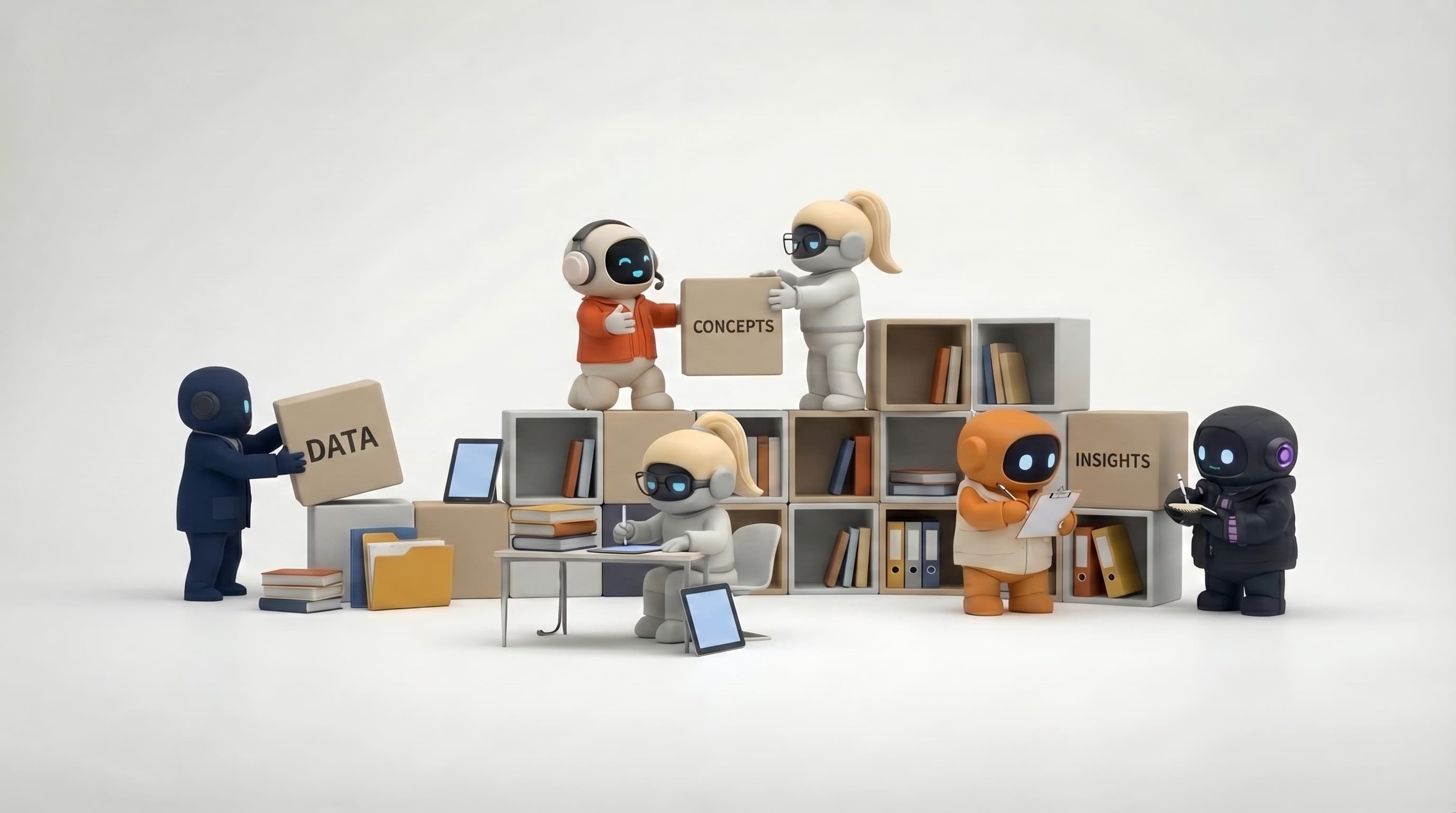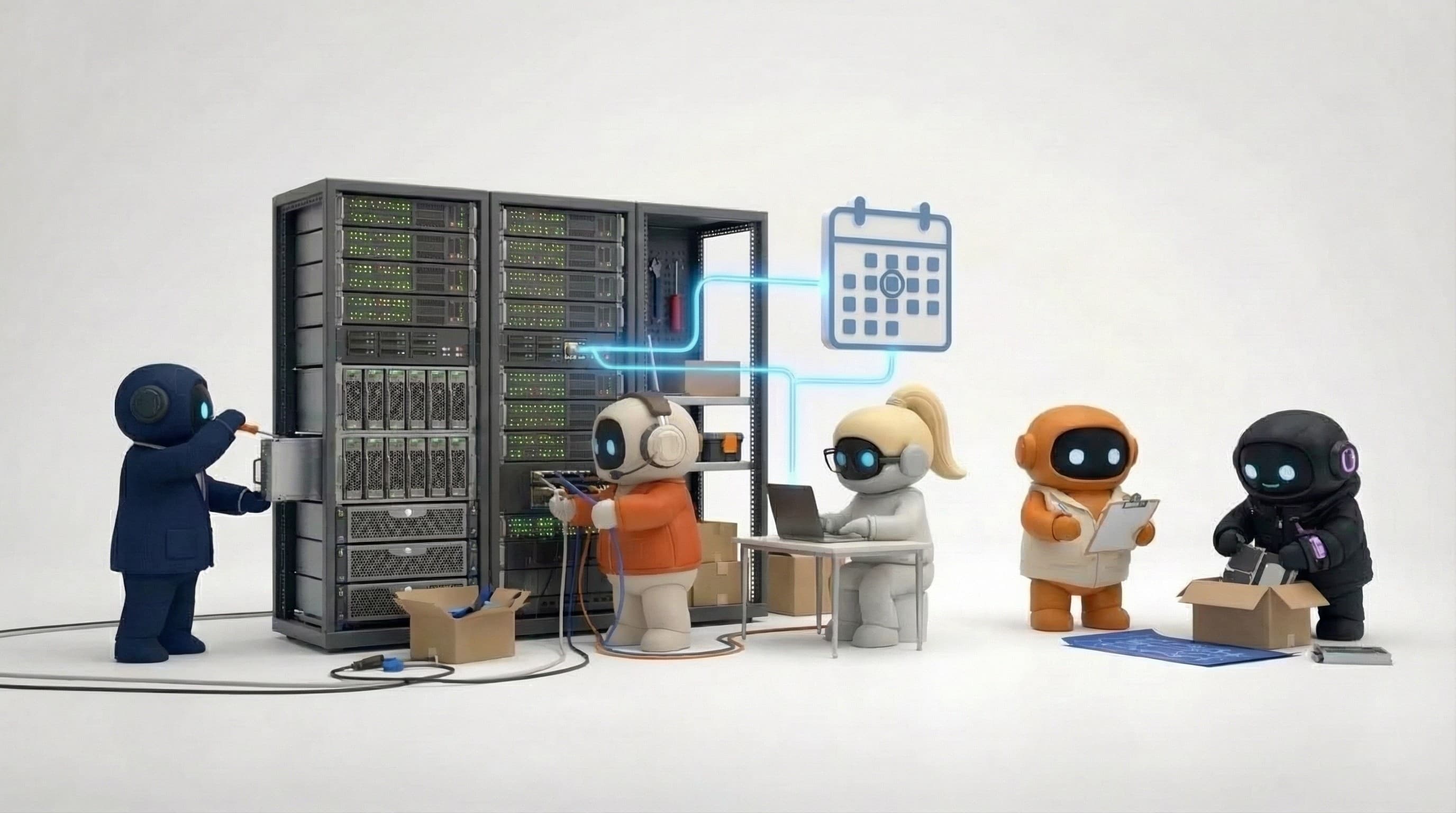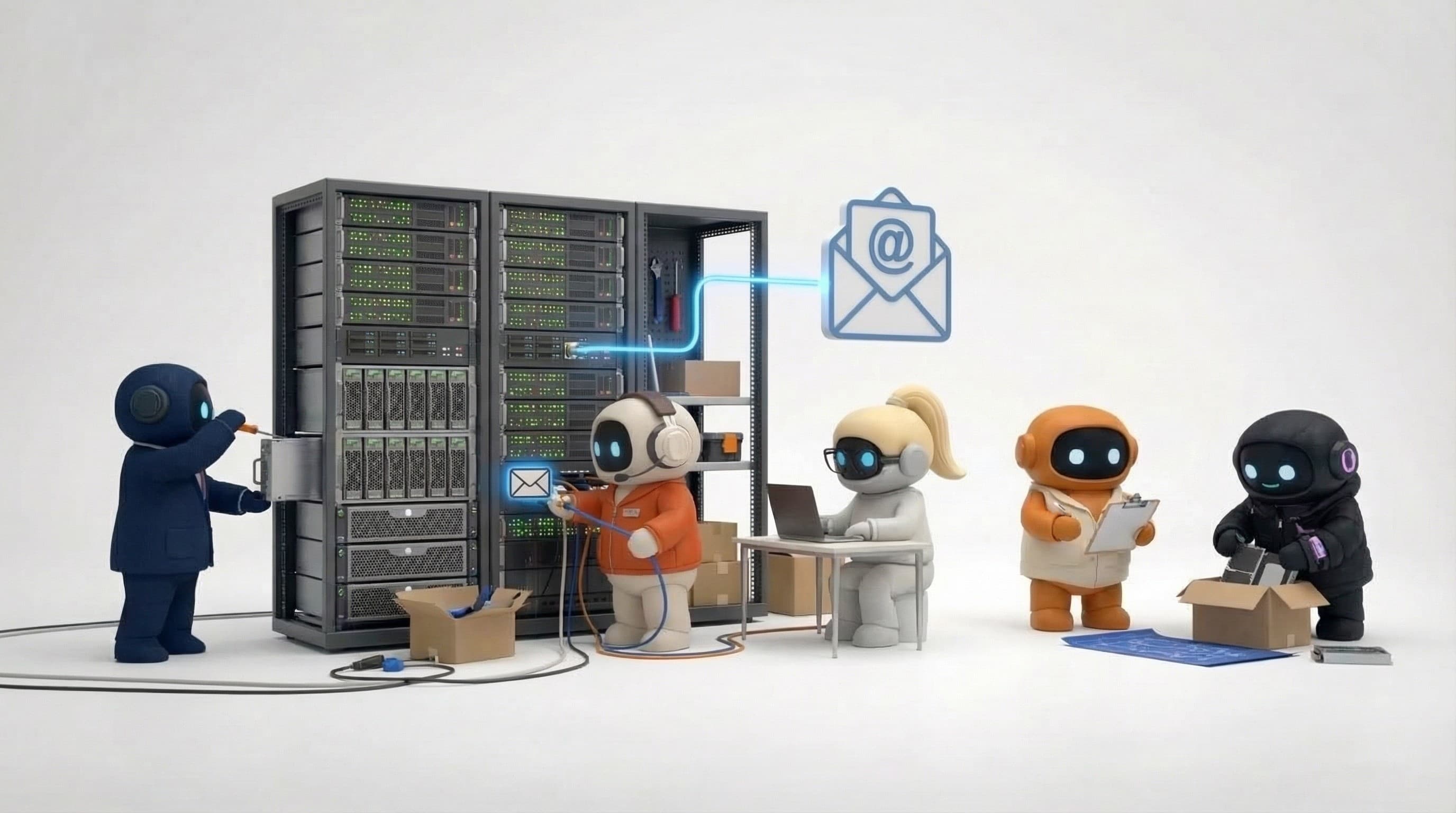

An MCP server for company knowledge lets any AI agent, Claude, ChatGPT, Cursor, or one you built, query what your company knows through one standard protocol, instead of each tool keeping its own partial, private memory. It's the difference between briefing every agent separately and having them all read from the same brain.
If you're new to the protocol itself, start with What is MCP?. This guide is about the knowledge layer specifically: what a knowledge MCP server does, the options available, and how to choose.
Why agents need a knowledge server
Every AI tool ships with some memory now. ChatGPT remembers things about you. Claude has memory. Your custom agent probably has a vector store bolted on. The problem isn't absence of memory, it's that each memory is a silo. Your ChatGPT memory doesn't transfer to Claude. Your teammate's context doesn't transfer to you. Your research agent's findings don't reach your sales agent.
MCP fixes the plumbing: it gives every agent a standard way to call the same knowledge source. But the plumbing is only half the answer, what matters just as much is what's on the other end of the pipe. That's where the options differ sharply.
The options
Personal memory servers
Servers like OpenMemory (from mem0) and the reference memory server store facts about you as you chat, and make them available across your MCP clients. Genuinely useful for individuals, your preferences follow you from Claude to Cursor.
The limit: they're per-user by design. There's no shared company picture, five teammates get five divergent memories, and nobody curates what's true. Personal memory is a feature, not a company brain.
Vector database servers
Qdrant, Pinecone, and Chroma all have MCP servers. If you've already built an embedding pipeline over your docs, these expose semantic search to your agents.
The limit: you own the pipeline. Chunking, embedding, re-indexing when docs change, permissions, that's your engineering budget. And a vector index has no sense of time: the 2024 pricing deck and today's pricing page are just two similar chunks. Retrieval finds relevant text, not current truth.
Document tool servers
Notion, Google Drive, and Confluence MCP servers let agents read the documents where knowledge already lives.
The limit: agents get files, not facts. The agent must read whole pages and infer what's current, and knowledge scattered across Slack, email, and your CRM never enters the picture. Notably, even tools with cross-app AI search generally don't expose that aggregated index over MCP, external agents only see the native content.
Knowledge graph servers (company brains)
This is the category Agently Brain is in: a hosted, continuously updated company brain built from your uploads and connected tools (Slack, Gmail, HubSpot, Linear, GitHub, and 25+ others), exposed at https://api.agently.dev/mcp.
The structural differences from the options above:
-
Shared, not per-user. Every agent and teammate pointed at the workspace reads the same facts. A fact one agent stores with
rememberis instantly available to all. -
Temporal, not just semantic. Facts carry validity windows. When your pricing changes, the old fact is marked superseded rather than deleted, agents can distinguish current truth from history.
-
A graph, not a pile of chunks. Search results carry the entities on each fact, so an agent can pivot from a fact about a customer to everything connected to that customer (
get_neighbors) instead of re-searching. -
Zero pipeline. Ingestion, entity extraction, and graph maintenance are the product, not your side project.
What to look for in a knowledge MCP server
Shared vs. per-user memory. For a team, per-user memory multiplies inconsistency. You want one source of truth with everyone reading from it.
Temporal handling. Ask what happens when a fact changes. If old and new versions coexist as equally-ranked chunks, your agents will confidently quote stale information.
Write path. Can agents store what they learn, and is that gated? Writes should require explicit opt-in credentials, you want agents able to remember, but only the ones you trust.
Auth and scoping. Remote servers should support OAuth or scoped API keys, with every credential pinned to one workspace. An agent should never be able to wander into another tenant's knowledge.
Hosted vs. self-hosted. Self-hosting a retrieval stack is real ops work (index, database, embeddings, upgrades). Fine if you have the team; a tax if you're five people.
What this unlocks in practice
-
Coding agents with business context. A Claude Code session asks the brain what was promised in the Acme contract before implementing the feature.
-
Support that stays current. Agents answer from facts with validity windows instead of quoting last year's docs.
-
Research that compounds. One agent's
rememberbecomes every agent's context, shared context instead of copy-paste. -
Onboarding by osmosis. A new teammate's AI tools know the company from day one, because the knowledge lives in the workspace, not in someone's chat history.
Getting started
If you want the zero-pipeline path: build your brain in Agently (upload docs, connect tools), mint an API key under Settings → API keys, and connect any client:
claude mcp add --transport http agently-brain https://api.agently.dev/mcp \
  --header "Authorization: Bearer agently_sk_..."
Clients with MCP OAuth support (Claude Desktop, claude.ai, ChatGPT) skip the key and connect through a consent screen. Full client-by-client setup is in the MCP server docs.