
MCP (Model Context Protocol) is an open standard for connecting AI models and agents to external tools and data, think of it as the "USB-C for AI." Introduced by Anthropic in late 2024, it is now backed by OpenAI, Google, and Microsoft and governed under the Linux Foundation. If custom, one-off integrations were the old way to give AI access to your tools, MCP is the standard that replaced them.
Key takeaway: MCP lets a tool provider build one server that any AI client, Claude, ChatGPT, Cursor, Gemini, can use, instead of every team rebuilding the same integrations. That is why AI assistants went from chat windows to tools that can act across your real business systems.
Model Context Protocol, MCP, is one of those technical terms that's suddenly everywhere. Anthropic proposed it, Claude supports it, Cursor integrates it, and every AI agent framework is adding MCP compatibility. But what is it, practically?
This article explains MCP without assuming you've read the spec. If you're building AI agents, evaluating AI tools, or just trying to understand why this matters, here's what you need to know.
The One-Sentence Explanation
MCP is a standard way for AI models and agents to connect to external tools and data sources.
That's it. It's a protocol, like HTTP is for web pages or SMTP is for email, that defines how an AI agent asks "what tools are available?" and "I want to use this tool with these inputs."
The Problem MCP Solves
Before MCP, connecting an AI agent to an external tool required custom integration for every combination of agent and tool.
Want your Claude agent to manage tasks in your project board? Build a project management integration for Claude. Want your CrewAI agent to search your company knowledge base? Build a different knowledge base integration for CrewAI. Want your LangChain agent to post to LinkedIn? Another integration.
Now multiply that across every tool (email, calendar, CRM, knowledge base, task management, social media, etc.) and every agent framework. The result: massive duplication of effort. Every team building agents spent weeks on integration plumbing instead of agent logic.
MCP solves this with a standard interface:
-
Tool providers build one MCP server that exposes their tools
-
Agent frameworks build one MCP client that can connect to any server
-
Every combination works without custom integration
A business tools MCP server works with Claude, Cursor, CrewAI, LangChain, and any future MCP client. Build once, connect everywhere.
How MCP Works (Simply)
MCP has three parts:
1. MCP Server
A server that exposes tools. It says: "Here are the tools I offer, here's what each one does, and here are the inputs each one accepts."
For example, a business tools MCP server might expose:
-
search_knowledge(query), Search the company knowledge base -
create_task(title, assignee, priority), Create a task on a project board -
send_email(to, subject, body), Send an email -
post_to_linkedin(content), Publish a social media post -
web_search(query), Research a topic on the web
2. MCP Client
The AI agent (or the framework running it) acts as a client. It connects to the server, discovers available tools, and calls them when needed.
When Claude Desktop connects to a business tools MCP server, it learns: "I can search knowledge, manage tasks, send emails, post to social media, and research the web." When the user asks Claude to "research this competitor and create a report with action items," Claude knows which tools to chain together.
3. The Protocol
MCP defines the conversation between client and server:
-
Discovery: "What tools do you have?"
-
Schema: "What inputs does this tool need?"
-
Invocation: "Run this tool with these inputs"
-
Response: "Here's the result"
This conversation follows a standardized format, so any MCP client can talk to any MCP server without custom code.
Why MCP Matters for Business Teams
Even if you're not a developer, MCP affects how you use AI:
More capable AI assistants
MCP is why Claude Desktop can now connect to your files, databases, and business tools. Without MCP, Claude is a chat window. With MCP servers connected, Claude becomes an agent that can search your knowledge base, manage your tasks, research competitors, send emails, schedule meetings, post to social media, and create documents. The protocol is what enables this expansion from chatbot to business tool.
Less vendor lock-in
Before MCP, your AI agent's capabilities depended on which integrations the vendor built. If your agent platform didn't support Google Calendar, you were stuck. With MCP, you can connect any MCP server, even one you build yourself, to add capabilities the vendor didn't anticipate.
Faster innovation
When tool providers only need to build one MCP server (not separate integrations for every AI platform), they ship faster. When agent frameworks only need one MCP client (not separate connectors for every tool), they support more tools. The ecosystem moves faster when everyone speaks the same language.
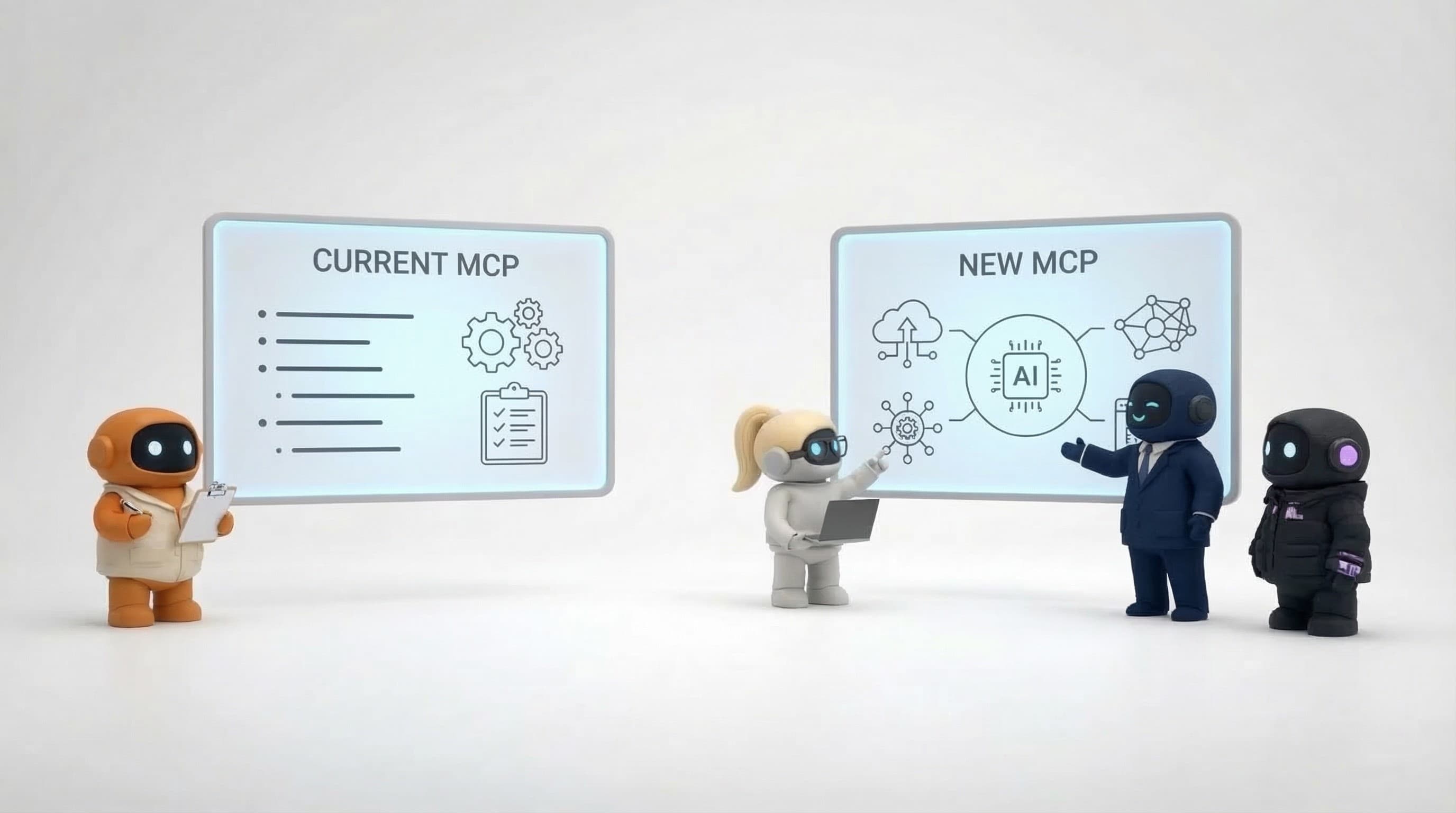
MCP vs. What Came Before
vs. Custom API integrations
Before MCP, every agent-to-tool connection was a custom integration. MCP standardizes the interface so integrations are reusable across clients.
vs. Function calling
LLMs like GPT and Claude support "function calling", the model outputs structured tool calls that your code executes. Function calling defines how the model requests a tool. MCP defines how the tool is discovered, described, and connected. They're complementary: MCP handles the plumbing, function calling handles the AI's decision to use a tool.
vs. Plugins (ChatGPT Plugins)
OpenAI's plugin system was an earlier attempt at standardizing tool access. MCP is more broadly adopted, open-source, and designed for agent-to-agent communication, not just chat-to-tool. Plugins were tied to ChatGPT; MCP works across any supporting framework.
MCP in 2026: from proposal to industry standard
What began as an Anthropic proposal in late 2024 is now the default way AI connects to tools. The milestones that matter:
-
OpenAI adopted MCP in March 2025 across the Agents SDK, the Responses API, and ChatGPT, so ChatGPT itself can connect to MCP servers.
-
Google built native MCP support into Gemini, and Microsoft wired it into Copilot and Windows.
-
An official MCP Registry launched in September 2025 at registry.modelcontextprotocol.io, giving the ecosystem a central place to publish and discover servers.
-
In December 2025, MCP moved under the Linux Foundation (the Agentic AI Foundation), with OpenAI and Block as co-founders and AWS, Google, Microsoft, GitHub, and others backing it, turning a single vendor's protocol into neutral, industry-owned infrastructure.
The practical upshot: MCP is no longer a bet. If you are choosing AI tools in 2026, native MCP support is table stakes.
Who's Using MCP
Adoption has been rapid:
-
Anthropic , Claude Desktop supports MCP natively. Connect servers in your config file and Claude gains tool access.
-
Cursor , The AI coding editor supports MCP servers, letting your coding assistant access external tools and data.
-
CrewAI , The multi-agent framework supports MCP tools, so your agent crews can use any MCP server.
-
LangChain / LangGraph , MCP tool adapters let LangChain agents use MCP servers.
-
Various tool providers , Companies are building MCP servers for databases, APIs, file systems, communication tools, business apps, and more.
The ecosystem is growing weekly. As more servers and clients emerge, the value of each new addition compounds, every new server is immediately accessible to every existing client.
Types of MCP Servers Available
The MCP ecosystem includes servers for:
Development tools , File systems, databases, GitHub, code execution environments. Useful for coding agents that need to read/write files and interact with repositories.
Communication tools , Email (Gmail, Outlook), messaging (Slack), social media. Let agents send messages and manage communications.
Productivity tools , Calendar, task management, document editors, note-taking apps. Agents can schedule meetings, create tasks, and write documents.
Knowledge and search , Web search, knowledge bases, vector databases. Agents can research topics and retrieve stored information.
Business platforms , CRM, analytics, customer support, payment processing. Agents can interact with business-critical systems.
Company knowledge servers, Servers that expose what a company knows, rather than one tool's data. Agently's is live: the company brain, a temporal knowledge graph built from your docs and 25+ connected tools, served over MCP so Claude, ChatGPT, Cursor, and your custom agents all share the same current business context.
Getting Started With MCP
If you use Claude Desktop
The simplest path. Edit your claude_desktop_config.json to add MCP servers. Claude discovers the tools and makes them available in conversations. No code required beyond configuration.
If you're building with CrewAI or LangChain
Add MCP tools to your agent's tool set using the framework's MCP adapter. Your agents gain access to the server's tools alongside any custom tools you've built.
If you're building custom agents
Implement an MCP client in your agent framework. Libraries exist for Python, JavaScript/TypeScript, and other languages. The protocol is well-documented and the reference implementations are straightforward.
If you want to expose your own tools
Build an MCP server that describes your tools and handles invocations. This lets any MCP client, Claude, Cursor, CrewAI, or custom agents, use your tools without you building separate integrations for each.
What MCP Doesn't Solve
Authentication and authorization
MCP defines how tools are discovered and invoked, but it doesn't standardize how you authenticate with the tool provider. Each MCP server handles auth differently, API keys, OAuth tokens, or other mechanisms. You still need to manage credentials.
Tool quality
MCP standardizes the connection, not the tool's capability. A poorly built MCP server that sends unreliable emails is still unreliable, regardless of the protocol. Evaluate the tool provider, not just the protocol support.
Agent decision-making
MCP gives agents access to tools. It doesn't make agents smarter about when and how to use those tools. An agent with access to your email can send messages, whether those messages are good depends on the agent's reasoning, prompts, and context, not the protocol.
Discovery is still maturing
An official MCP Registry launched in 2025 and directories are growing, but discovery is still consolidating. Finding the right high-quality server for a specific need can still take some searching, and evaluating server quality is on you. Expect this to keep improving as the registry and sub-registries mature.
The Bigger Picture
MCP is infrastructure, not a product. It's the plumbing that makes AI agents more capable by standardizing how they access the world beyond their training data.
The practical impact: AI agents are shifting from "helpful chat interfaces" to "functional tools that interact with your real business systems." MCP is the protocol enabling that shift. Understanding it helps you evaluate AI tools more clearly, build more capable agents, and anticipate where the ecosystem is heading.
Whether you're choosing an AI platform, building custom agents, or just trying to understand why your AI tools suddenly have more capabilities, MCP is the reason.