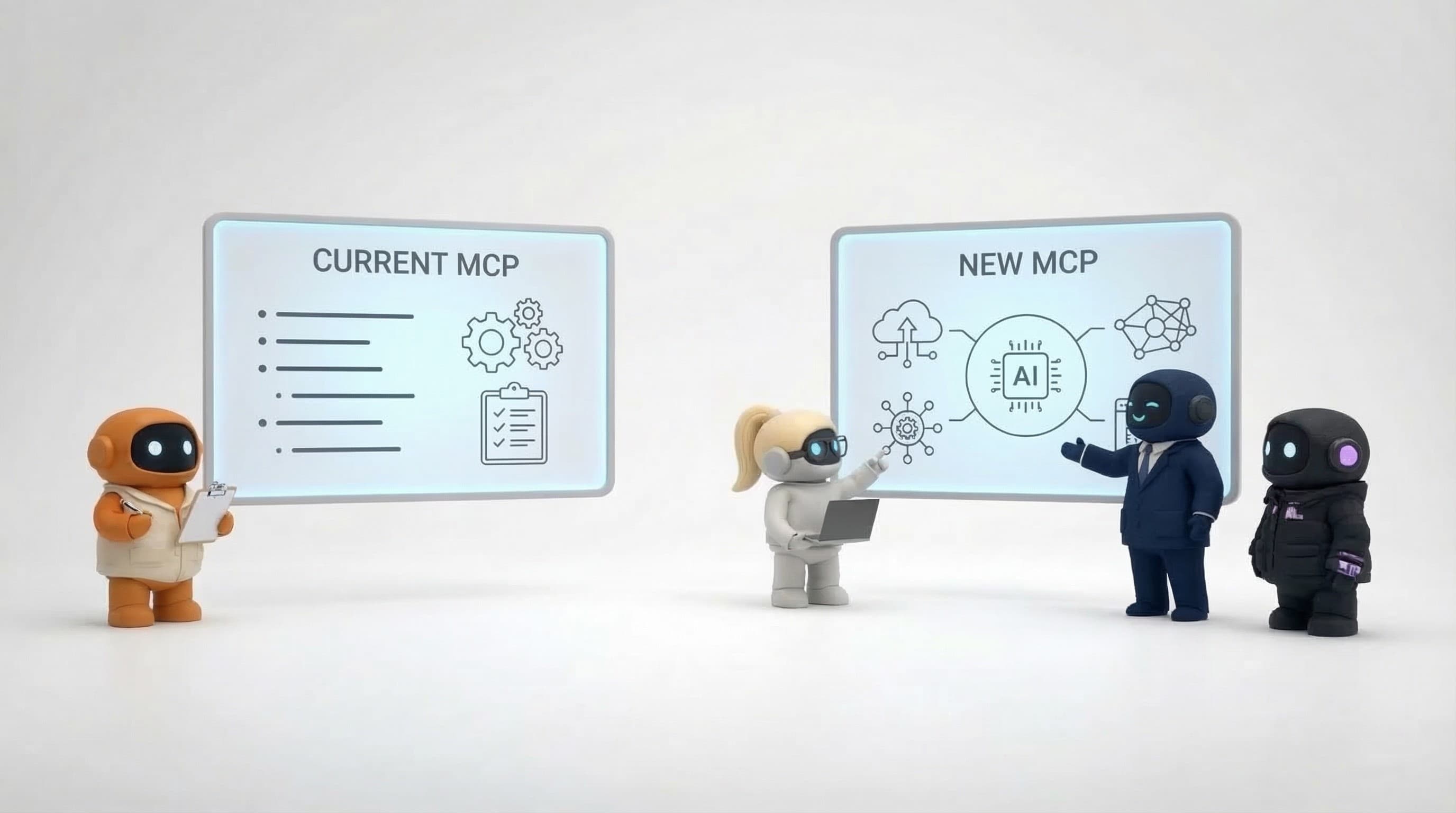

The Agently MCP server is live. Any AI tool that speaks the Model Context Protocol, Claude Code, Claude Desktop, claude.ai, ChatGPT, Cursor, VS Code, can now read from and write to your company brain. One URL, one credential, and the AI tools you already use stop guessing about your business and start answering from it.
https://api.agently.dev/mcp
Key takeaway: Every AI tool you use keeps its own memory, which means none of them really know your company. The Agently MCP server gives them all one shared, temporal knowledge graph to read from, so the context you build up in Agently follows you into every agent you run.
The problem: every AI tool has its own amnesia
If you use more than one AI tool, and almost everyone does now, you've felt this. You explain your product to ChatGPT. Then you explain it again to Claude. Then your Cursor session starts from zero on the same question. Each tool accumulates its own partial, private picture of your company, and none of them share it. (We wrote about this pattern in stop repeating yourself to AI.)
Per-session memory features don't fix this. ChatGPT's memory belongs to ChatGPT. Claude's memory belongs to Claude. Neither belongs to your team, a teammate asking the same question gets none of your context, and switching tools means starting over.
The fix isn't better memory inside each tool. It's one brain outside all of them.
What the server exposes
The Agently Brain is a temporal knowledge graph built continuously from everything your workspace connects, uploaded docs, Slack, Gmail, HubSpot, Linear, GitHub, and 25+ other sources. The MCP server exposes it through six tools:
| Tool | What it does |
|---|---|
search | Hybrid semantic + keyword search, ranked facts with temporal validity and entity references |
find_entity | Resolve a name ("Acme", "Jane") to graph entities with UUIDs and summaries |
get_neighbors | Walk one hop from an entity, every fact touching it, plus connected entities |
get_schema | Brain overview: counts, most-connected entities, source kinds, data recency |
recent_episodes | Newest ingested content, with previews |
remember | Store a durable fact in the brain (write-scoped credentials only) |
Two things make this different from pointing your agent at a folder of documents or a vector database:
-
It's a graph. Search results carry the entities on every fact, so an agent can pivot from "found a fact about Acme" to "show me everything connected to Acme" with
get_neighbors, no re-searching with rephrased queries. -
It's temporal. Facts have validity windows. When your pricing changes, the old price isn't deleted, it's marked superseded. Agents can tell current truth from history, which is exactly what a plain document index can't do.
Connecting takes about a minute
Claude Code:
claude mcp add --transport http agently-brain https://api.agently.dev/mcp \
  --header "Authorization: Bearer agently_sk_..."
Mint the key in Agently under Settings → API keys. Clients with MCP OAuth support, Claude Desktop connectors, claude.ai, ChatGPT, don't need a key at all: they discover Agently's OAuth flow automatically and walk you through a consent screen. Full setup for every client is in the MCP server docs.
The server is also listed on the official MCP registry as dev.agently/brain, so it shows up in registry-aware clients' server galleries without any manual config.
What this looks like in practice
Your coding agent knows the business. A Claude Code session can ask the brain "what did we promise Acme in the last contract?" before writing the feature, instead of you pasting context in.
Your research stays shared. An analysis one agent stores with remember is available to every other agent and teammate the moment it's written. That's the shared context that per-tool memory can't give you.
Your support answers stay current. An agent answering from the brain cites facts with validity windows, it won't quote last year's pricing page, because the graph knows that fact was superseded.
Security model
Every credential is pinned to exactly one workspace, server-side. Keys are read-only by default, remember requires a key with writes explicitly enabled. The OAuth flow is OAuth 2.1 with PKCE and dynamic client registration, the current MCP auth standard, and you can revoke any key or connected client from Settings at any moment. Details in MCP Authentication & API.